|
MyGaDOE |
Version 1.0 |
To view your MyGaDOE account information, complete the following steps:
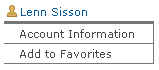
From any page in MyGaDOE, click your name at the top of the personal section of the Navigation menu. A portion of this menu is shown in the image below.
An example of the Personal section of the Navigation menu, showing a user's name at the top
You may now make whatever changes are appropriate to your account information by entering or replacing the information in the appropriate field or fields.
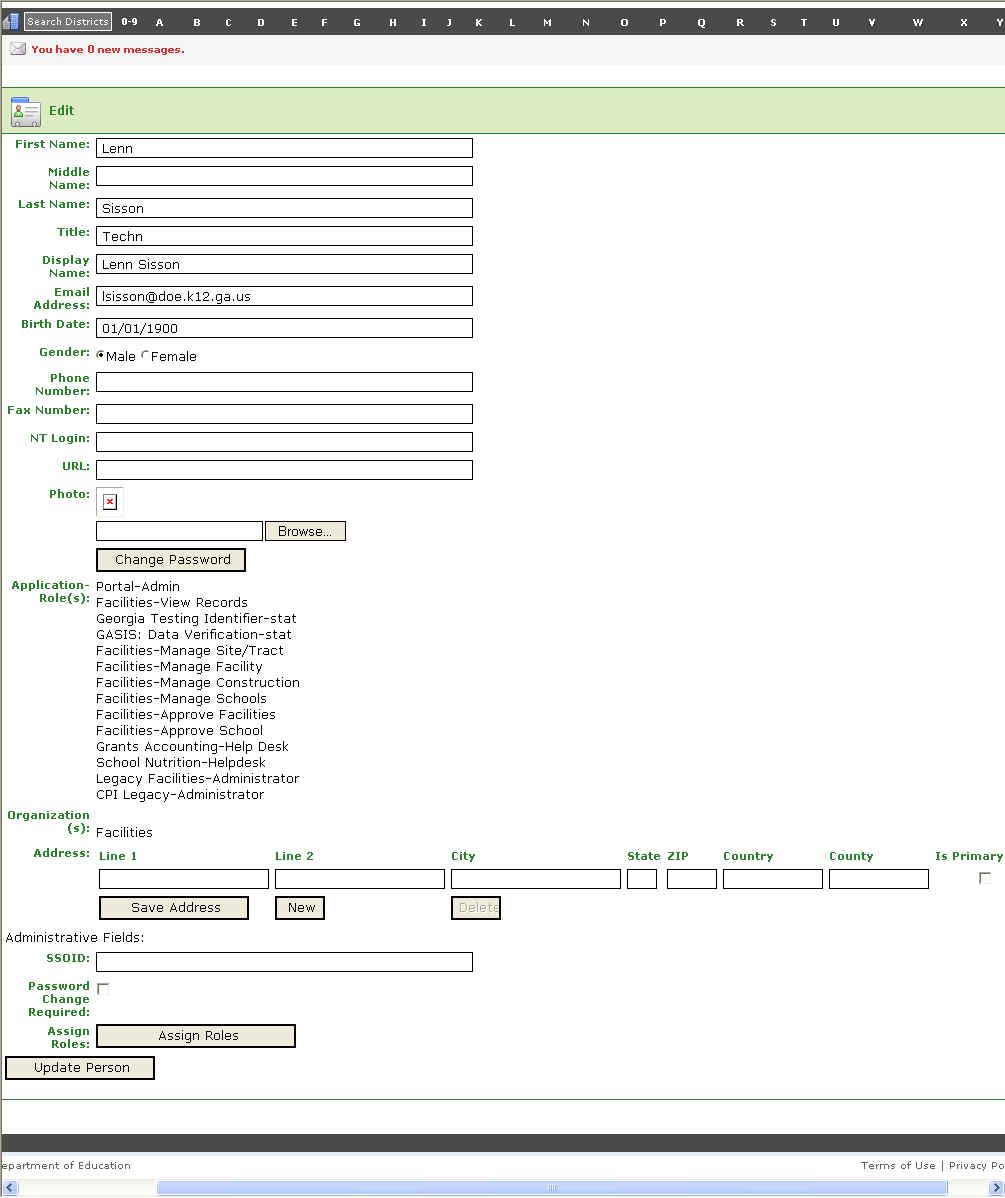
The Edit Account Information page
When you have finished making changes to the fields, click the Update Person button. The account information updates and the screen refreshes.
This completes the Edit Account Information task.